Agents don't fix a broken process. They scale it.
Automating a broken workflow makes it fail faster. How I map a process before building an AI agent, and how to pick what to automate first.
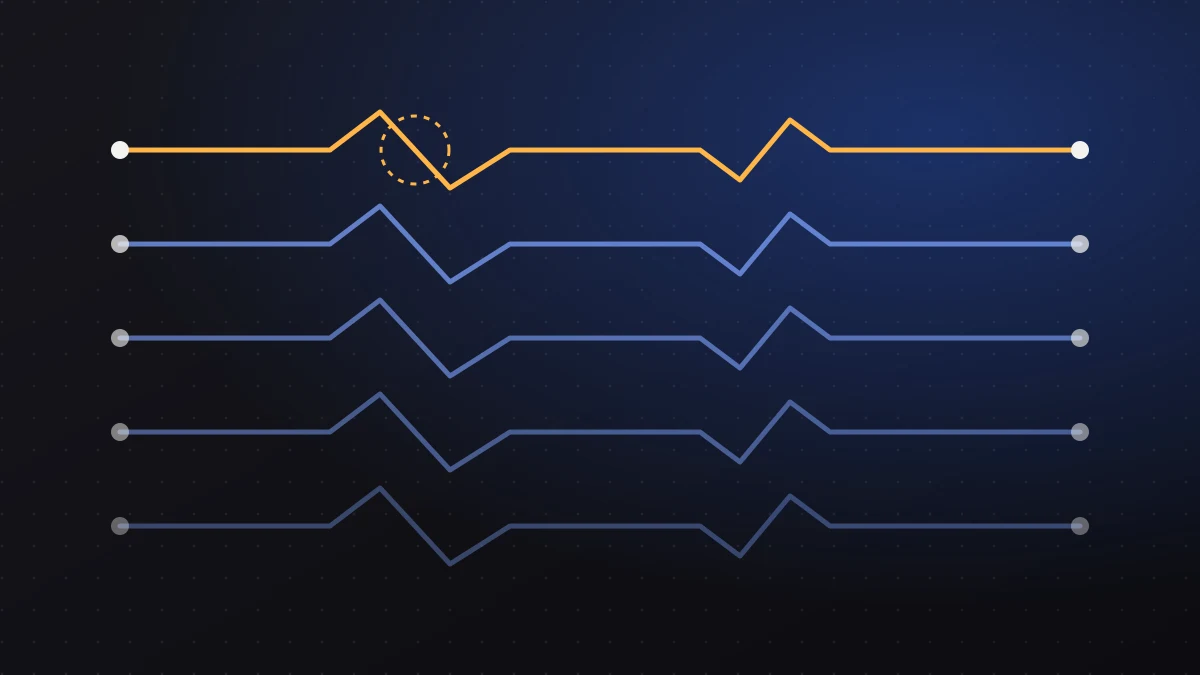
The short answer: An AI agent multiplies whatever process you point it at. Point it at a broken workflow and you get the broken workflow faster, with more confidence. So before I build anything, I map the work: who does it today, how long it takes, what makes it fail, and what we’d want if we designed it fresh. Often, the map shows the real fix is a process change first, and the software comes second, if at all.
My first agent didn’t go well
A couple of years ago, I built my first agent for a personal workflow: organizing my email. It didn’t do well at all. The lesson was about me, not the tool: I had to be very specific about what I wanted. A vague job gets vague results.
That’s the lesson I keep relearning. An agent does exactly what you point it at, no more and no less. If the process is fuzzy, the agent will be fuzzy too, just faster.
It’s the same at work. Picture an agent that documents every meeting beautifully, including the meetings that should never have happened, decisions made by the wrong people, and action items nobody owns. The notes would be excellent. The process behind them would still be a mess, and now the mess would be written down and permanent. An agent is a multiplier. Point it at a process with unclear ownership and you get unclear ownership at higher throughput.
Why automating a bad process backfires
A slow, manual process has one hidden benefit: people notice when it breaks. Somebody chases the missing approval. Somebody asks why the report is late.
Automate that process without fixing it, and three things happen:
- The mistakes get faster. The same wrong step now happens dozens of times before anyone looks.
- The mistakes look official. A clean, formatted summary feels trustworthy, even when the decision inside it was made by the wrong person.
- The workaround disappears. The person who used to quietly fix things by hand stops seeing them.
Step 1: Map the process before you write a prompt
So the first week of any agent project isn’t a prompt. It’s a map. I ask four questions:
- Who does this today? Name the people and the handoffs, not the department.
- How long does it take? Rough hours per week is enough.
- What makes it fail? Missing information, unclear ownership, waiting on someone, rework.
- What would we want if we designed it fresh? Forget the current tools for a minute.
Process first, then automation
Back when I ran my own agency, Woo Pixels, I managed a support team that had no processes in place. There was nothing solid to automate yet. So before anything else, we put a firm process together for how the team would work. Then came the automation, to save time.
The order mattered. Automation helps when the process underneath it is clear. If we’d automated first, we would have just made the old chaos faster.
Separately, at Thrive Internet Marketing, I redesigned the support workflow with skill-based routing, priority rules and automation. First response time dropped from 24+ hours to 28 minutes in six months, and later to about seven minutes.
Step 2: Pick something narrow and measurable
When the map says software is the answer, I start small. On my AI agents and automations projects, we list the repetitive work, then rank each item by two things:
| Question | Why it matters |
|---|---|
| How many hours does this save? | It has to be worth building. |
| What’s the risk if the automation gets it wrong? | Low-risk tasks go first. Anything client-facing or financial gets more checks, or waits. |
Then I build the narrowest thing that solves the top item. Narrow is a feature. My Loose Ends agent does one job: it reviews meeting transcripts against the same project’s history and flags soft commitments, stale promises and contradictions. It doesn’t try to be a whole project management system. That’s why it’s useful.
Step 3: Build in the checks a person used to do
When you remove a person from a process, you remove their judgment too. So the agent needs explicit checks.
A person doing a task quietly checks things nobody wrote down. They notice when a page looks wrong, when a number is off, when something is somewhere it shouldn’t be. An agent notices none of it unless you tell it to look.
I ran into this building my Website Screenshot Crawler. It visits every page of a site and captures it. In testing, I pointed it at a public page that redirected to a private address on my own server, and it dutifully captured my server’s login screen. A person would have stopped right there. The tool had no idea anything was wrong. The fix was an explicit check on every request, plus a test that fails if that exact case ever comes back.
Three questions help me find these checks before they bite:
- What would a person glance at and instantly know is wrong?
- What would the worst version of this mistake look like, and who would see it first?
- Where does the agent stop and ask a human, instead of guessing?
The bar: used on a Friday afternoon
The other half of the time, the map says “build it,” and you build something narrow that a real team actually uses on a Friday afternoon. That’s the bar. Not impressive in a demo. Used when nobody’s watching.
A quick checklist before you automate anything
- Can you name the person who owns this process today?
- Do you know why it fails, not just that it’s slow?
- Would you be comfortable if the agent made the same mistake 50 times before anyone noticed?
- Is there a narrow first version you could test against real examples?
If you answered no to any of these, start with the map.
If you’re deciding what to automate first, my AI agents and automations service starts with exactly this diagnosis, before any build.